

Google I/O 2026: The Rise of Frictionless Software
Google I/O 2026 marked the end of “prompt-and-response” and the start of “delegate-and-execute.” In this deep dive, you’ll unpack the four themes that defined the keynote. You’ll review the infrastructure powering safe autonomous agents (Gemini 3.5 Flash, Spark, and Antigravity 2.0), AI that generates user interfaces on the fly, the new “vibe coding” development pipeline, and the push into ambient, spatial computing and what it all means for developers when the baseline execution layer becomes automated. By Zac Lippard.
Theme 2: The Death of Static Layouts
If Theme 1 was about software that works for you in the background, Theme 2 is about software that reshapes itself around you in the moment. For thirty years, the interface has been a fixed artifact. A designer lays out a screen, an engineer builds it, and every user sees the same grid of links and buttons. I/O 2026 took a sledgehammer to that assumption.
Generative UI in Search
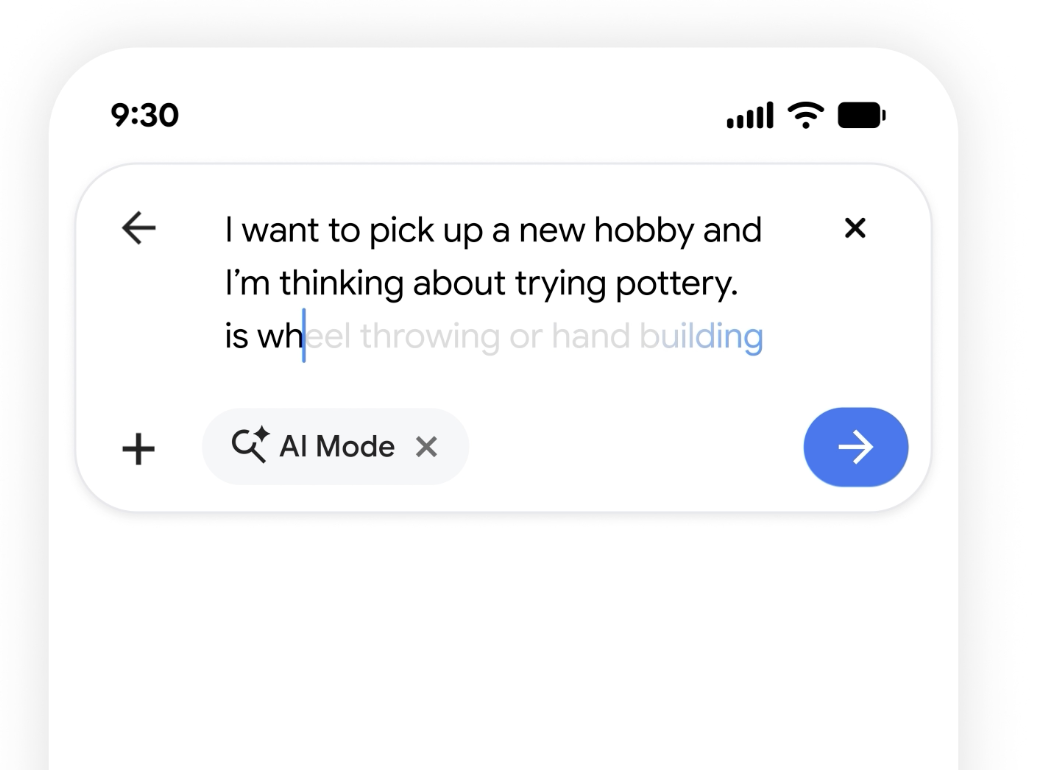
The most radical demo of the keynote was Search that stops linking to web pages and instead writes custom mini-apps on the fly. Using Gemini 3.5 Flash’s speed, Google Search can now generate a bespoke interface tailored to a complex, ongoing query, not a list of ten blue links, but an actual interactive tool.
The example that landed was planning a move across the country. Instead of returning articles about moving, Search generated a live dashboard: an interactive cost calculator comparing cities, a data visualization of commute times against rent, and a checklist tracker that persisted as the user refined the query. The interface didn’t exist before the question was asked, and it won’t exist for the next person. It was assembled, just-in-time, by the model to fit that user’s intent.
This is a genuine inversion of how you think about the web. The page is no longer the unit of content. The answer is, and the UI is generated as a disposable wrapper around it. For developers, that’s both thrilling and unsettling: the interface is becoming a runtime output of a model rather than a static asset you ship. For more details, see Google’s blogpost on AI Search.
The Unified Consumer Experience: Universal Cart
The flip side of dynamic generation is persistent continuity, and that’s the engineering story behind Universal Cart. Today, commerce is a mess of disconnected checkout flows. Every retailer and platform has its own cart, its own session and its own abandoned-checkout email.

Universal Cart pulls disparate checkout APIs, live inventory feeds, and shopping platforms into a single, persistent UI component that follows you across Search, YouTube, and Gmail. Add a pair of headphones from a YouTube review, drop a gift you spotted in a Gmail newsletter into the same cart, and confirm availability against live inventory, all without the cart ever resetting as you cross product boundaries.
The hard part isn’t the visual component; it’s the plumbing. Universal Cart has to reconcile inventory state and pricing from many independent backends in real time and present one coherent, trustworthy total. It’s a state-synchronization problem dressed up as a shopping feature, and it’s a preview of how Google wants one consistent surface to span its entire product line.
Real-Time AI Visibility: Android Halo
Here’s the uncomfortable question that Themes 1 and 2 raise together: if agents are running 24/7 in the background and the UI is reshaping itself constantly, how does a user keep any sense of control? An autonomous worker you can’t see is just a black box you’re supposed to trust.
Google’s answer is Android Halo, a new OS-level space at the top of the mobile screen dedicated to showing the live status of running background agents. Think of it as a status bar for autonomy: live tickers and progress indicators for the tasks your agents are grinding through: “drafting 12 dispute emails,” “comparing 40 flights,” “syncing your move checklist.” Tap one to inspect, pause, or cancel.

Halo is the UX counterweight to the entire agentic shift. The more work happens invisibly, the more a user needs a single, glanceable place that says here’s what’s happening on your behalf right now. It brings transparency to workflows that would otherwise feel like the phone was doing things behind your back. Crucially, it’s an OS-level commitment, not an app feature. Google is treating “visibility into autonomous work” as a fundamental platform primitive, the same way notifications became one a decade ago.
Theme 3: “Vibe Coding” & Modern Development Pipelines
This is the theme that hits closest to home. Across the developer keynote, the message was consistent: software engineering is shifting from writing syntax to directing architectural intent. You describe what you want and the guardrails it must follow; the tooling handles the mechanical translation. The industry shorthand for this is “vibe coding,” but the I/O 2026 announcements were anything but vibes. They were concrete pipelines.
The Android Studio Migration Assistant
The standout developer tool was the Android Studio Migration Assistant, a preview feature that does something that used to take a team a quarter: it ingests a fragmented cross-platform codebase and emits a clean, idiomatic, native Kotlin Android app.
The mechanics matter here, because this isn’t find-and-replace. The agent works at the level of the abstract syntax tree (AST). It parses the source, for example a React Native component or a chunk of iOS Swift, into a structured tree that represents the meaning of the code, not its text. Then it maps those semantic constructs onto their idiomatic Kotlin and Jetpack Compose equivalents, refactoring as it goes.
Consider a simple React Native counter component:
function Counter() {
  const [count, setCount] = useState(0);
  return (
    <view>
      <text>Count: {count}</text>
      <button title="Add" onpress="{()" ==""> setCount(count + 1)} />
      </button>
    </view>
  );
}
The Migration Assistant doesn’t transliterate this line by line. It recognizes the pattern of local UI state plus a render tree plus an event handler and produces idiomatic Compose:
@Composable
fun Counter() {
  var count by remember { mutableStateOf(0) }

  Column {
    Text("Count: $count")
    Button(onClick = { count++ }) {
      Text("Add")
    }
  }
}
Notice that useState became remember { mutableStateOf(...) }, the JSX tree became a Compose Column, and the handler became an idiomatic onClick lambda. That’s a semantic mapping, not a textual one. This is exactly why an AST-aware agent can do it reliably across a whole codebase instead of one snippet at a time.
Modern Web Guidance & Compose-First Architecture
The obvious risk with AI-generated code is that models are trained on the entire internet. This includes a decade of outdated tutorials and deprecated APIs. Left alone, an LLM will happily hand you legacy patterns or hallucinate a framework that never existed.
Google’s fix is genuinely clever: it open-sourced a set of LLM “skills”. Skills are packaged, expert-vetted bundles of architectural best practices that you load into the model’s context to constrain its output. Instead of hoping the model knows the modern way, you inject the modern way. These skills steer generated code toward current paradigms like Jetpack Navigation 3 and modern web Baseline targets, so the output adheres to what Google’s own engineers consider correct today, not what was popular in some Stack Overflow answer from 2019.
This is a quietly important shift in how you’ll keep AI honest. Rather than fine-tuning a giant model every time a best practice changes, you ship a small, versioned skill that encodes the new guidance and every model that loads it instantly writes better code. It turns “architectural correctness” into a distributable, updatable artifact.